
 FlowMic
Push to Talk: Your Phone Records Only While You Hold
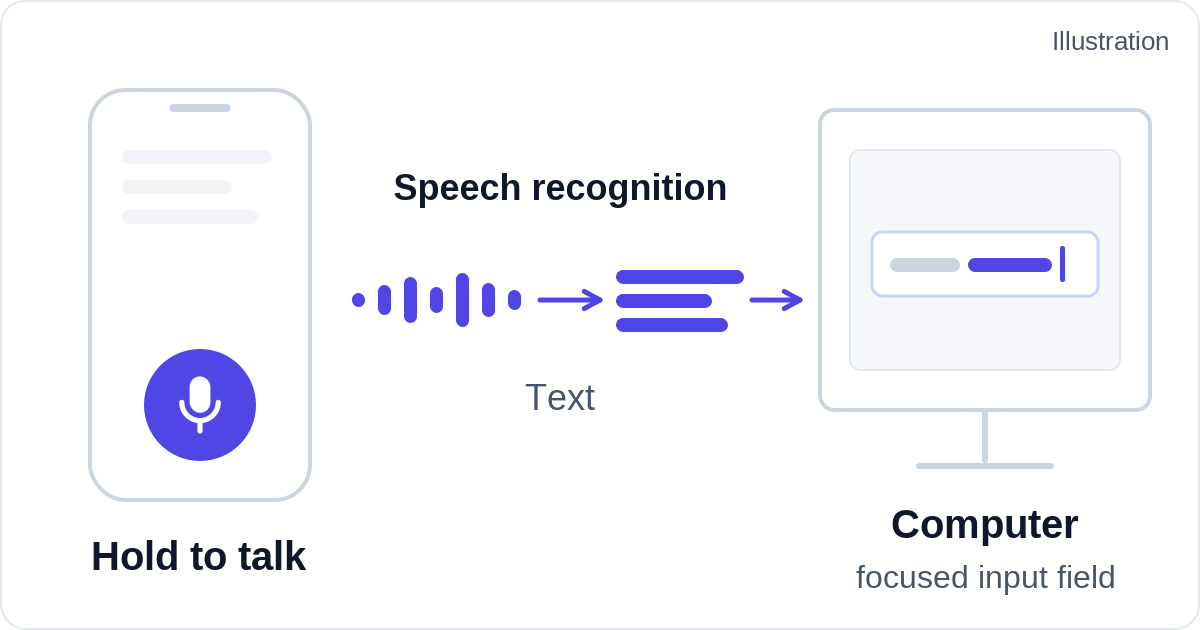
Push to talk means the microphone records only while you press and hold a button. FlowMic, an open source (AGPL-3.0) app, uses this on your phone to type what you say into the text box where your computer's cursor is. You hold "Hold to talk", speak, and let go. Letting go ends the recording. The words then land in the input box your computer is focused on. Get the apps from the download page.
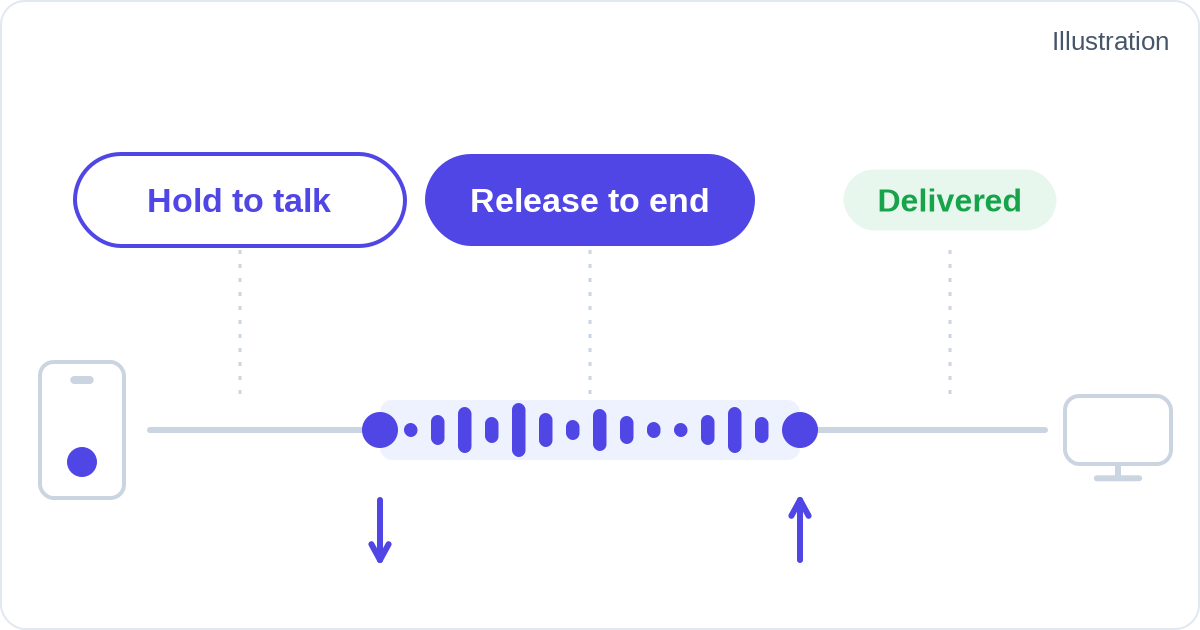
When is the phone listening during dictation?
When you dictate with the talk button, the microphone runs only while you hold it, and it stops when you release. Recording starts after a short hold. While you hold, the button reads "Release to end", which makes it easy to see when the phone is recording. As soon as your finger lifts, that recording is over and the finished text heads to your computer.
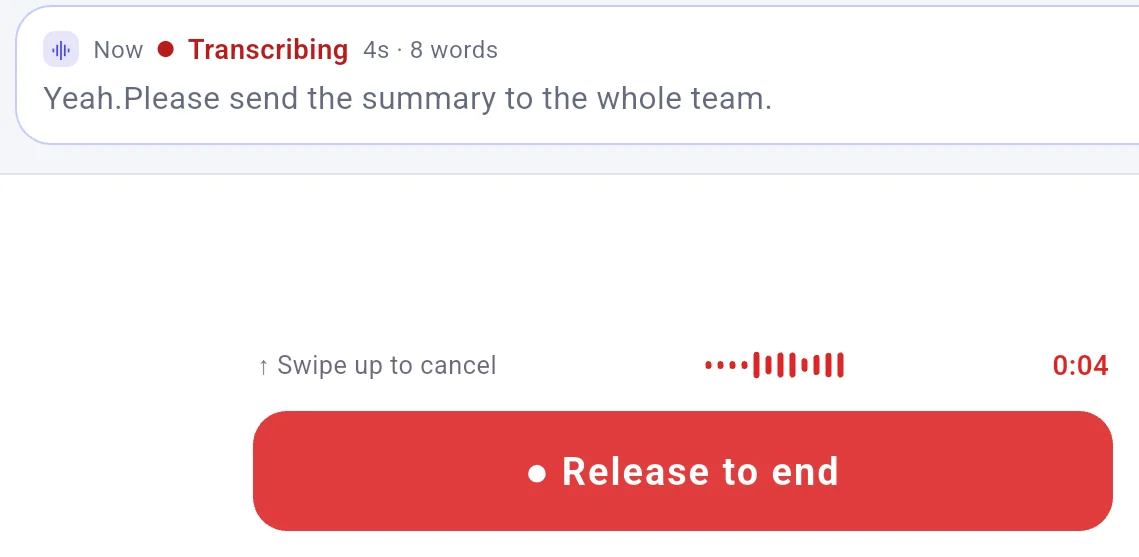
The phone app sums up the whole idea on its first screen: "Speak on your phone, text lands on your computer". On iPhone, the system permission prompt explains it in plain terms: FlowMic uses the microphone to turn what you say into text, and the text is typed into your computer or saved as a note on your phone. There is no global hotkey on the computer, so nothing on your keyboard can start a recording.
How do you start, stop and cancel a recording?
All three happen with one finger on the phone. Press and hold "Hold to talk" to start, and keep holding while you speak. Lift your finger to stop. To cancel instead, slide your finger up while still holding until the button reads "Release to cancel", then let go, and the recording is discarded. This gives every sentence a clear beginning and end that you control.
- Install FlowMic on your computer and on your phone, then pair them by scanning the QR code from "Add phone" on the computer with "Add device" on the phone. The setup guide shows the pairing screens.
- Click into the text box on your computer where the words should go.
- Press and hold "Hold to talk" on the phone and speak.
- Let go to finish, or slide up to "Release to cancel" and let go to throw the recording away.
- Read the words at your cursor and send them the way you normally do.
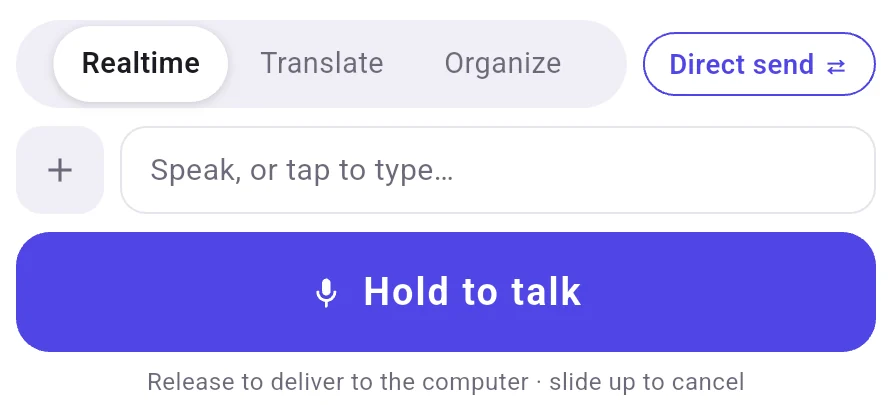
What does your computer need for hold-to-talk dictation?
Your computer needs FlowMic and a text box with the cursor in it, and no microphone of its own. FlowMic on the computer installs no microphone driver and no virtual sound card, and it does not ask the computer for microphone permission. The computer receives the text and puts it where you are typing. Because the talk button is on the phone, there is no hotkey to set up on the computer and no keyboard combination to remember.
For a Windows view of the same setup, read Push-to-Talk Dictation on Windows With Your Phone.
Where do your words go after you let go?
When your phone and computer are on the same network, they connect directly. When they are on different networks, the cloud relay forwards your words from the phone to the computer over TLS. FlowMic servers, including the relay, do not store your transcripts. Your sentences end up in the text box on your computer, where you read them and decide what to do next.
For a fuller answer about what is kept on each device and on the servers, read Does FlowMic Keep What You Say? and the privacy policy.
Common questions
Do I need a microphone or audio driver on my computer?
No. FlowMic on the computer installs no microphone driver and no virtual sound card, and it does not ask the computer for microphone permission. Your phone does the listening, and the computer receives the words.
How do I cancel a recording I do not want?
While still holding the button, slide your finger up until it reads Release to cancel, then let go. That recording is discarded instead of being sent.
How can I tell when the phone is recording?
Look at the talk button. Before you press it, it reads Hold to talk. While you hold it and the recording runs, it reads Release to end. When you let go, the recording is over.
Does FlowMic keep my transcripts?
FlowMic servers, including the relay, do not store your transcripts. When your phone and computer are on different networks, the cloud relay passes your words along to the computer over TLS.
Which systems does FlowMic run on?
On the computer: Windows 10/11 64-bit, macOS 11 or later on Apple silicon, and Linux x86-64, which needs an X11 session to type into other programs. On the phone: Android 7.0 or later, and iPhone or iPad on iOS or iPadOS 15 or later.