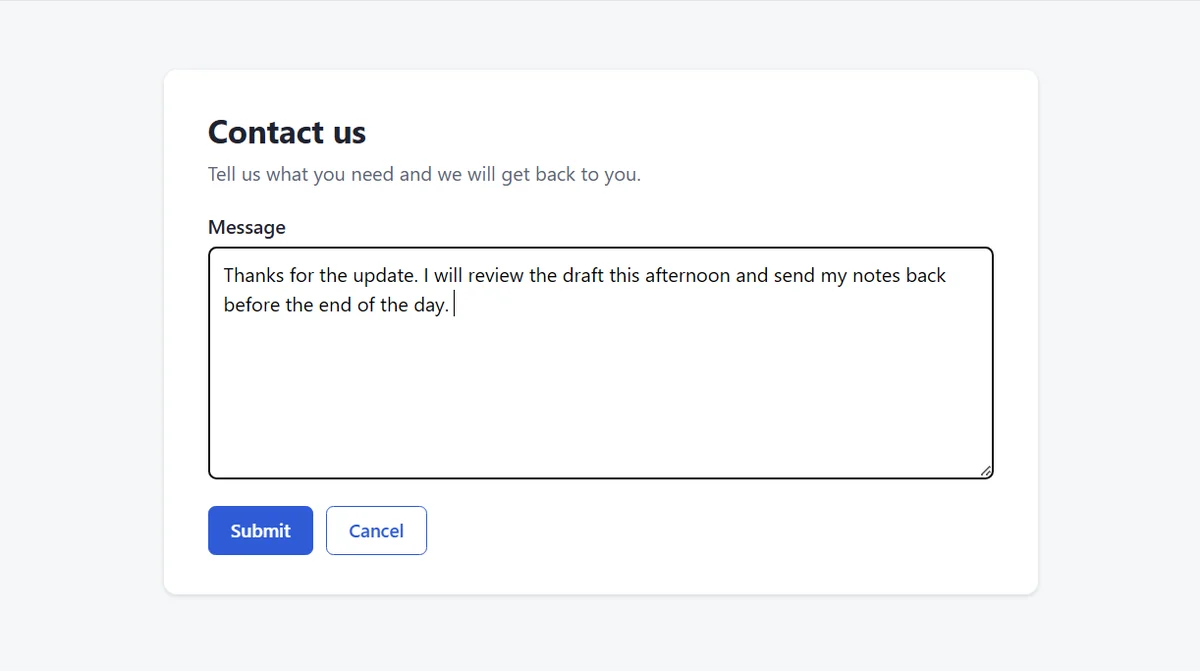
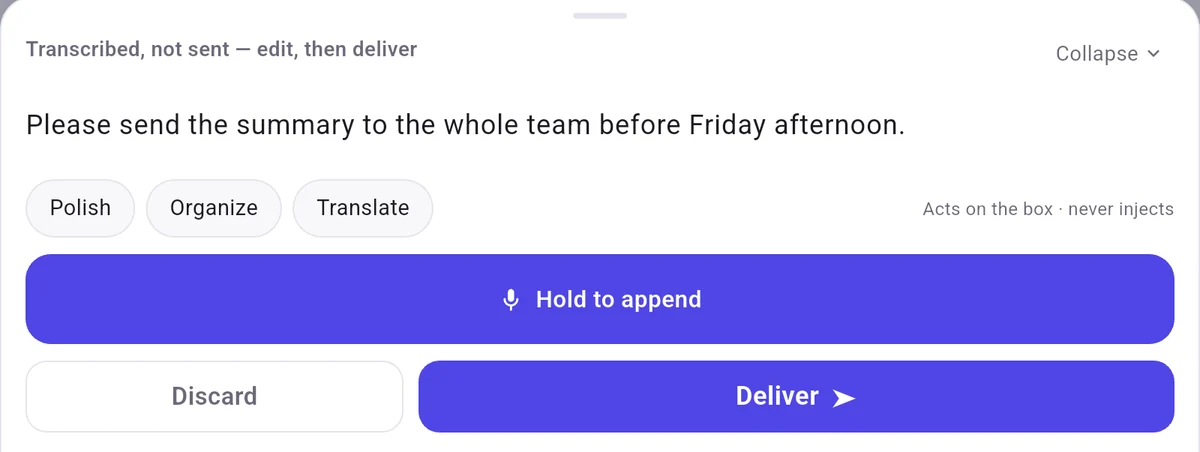
With Manual send and Deliver, the sentence landed in the box and nothing was submitted.
Speak your reply and it is typed into the open ticket response box.
There is no integration with any helpdesk. The browser reply box knows nothing about FlowMic, and FlowMic knows nothing about your ticketing software. That is both the benefit and the limit, because it places text into whichever box holds your cursor and leaves the page's send button to you.
The talk button stays on your phone, requiring no changes to your helpdesk tool.
With Manual send, the words wait on the phone until you tap Deliver.
Enter was never pressed and no forms were submitted, leaving the page's send button untouched.
Word, Outlook, Gmail, Slack, Notion, Google Docs, Overleaf, Teams, Discord, Obsidian, and helpdesk tools were not tested.
A few common questions
How can I check and edit a support reply on my phone before sending it?
The "⇄" control switches between "Direct send" and "Manual send". "Direct send" is the default and sends on release, while "Manual send" shows a card with "Deliver" and "Discard" so you can read and edit customer replies before tapping "Deliver".
What should I do after a break if the phone app shows the computer list again?
After a break, check the phone screen. When we left the app in the background for 5 minutes during a break on an Android tablet, the system closed or froze it in two runs and showed the computer list, once with "No auto-connect on launch · tap a computer to connect". Tap your computer when the list shows, wait for "Connected", and hold the button.

 FlowMic