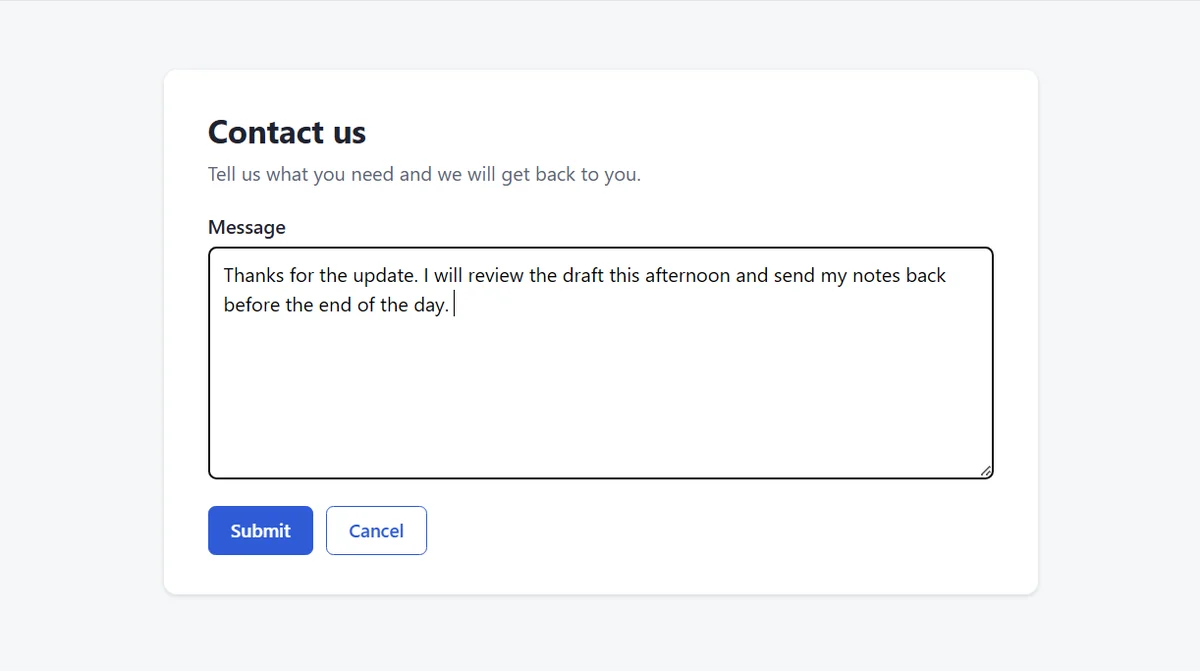
With Manual send and Deliver, the sentence landed in the box and nothing was submitted.
Talk on your phone and the sentence is typed at your cursor with no extra send step.
On 6 November 2026 we ran 5 spoken takes with "Direct send" using a script holding the button, phone app 0.3.118, desktop 0.3.120, and "Local LAN". With a synthetic voice from a second phone's speaker beside the tablet, in all 5, letting go sent the text with no card and no "Deliver" tap. 3 landed: 2 in LibreOffice Writer on Ubuntu under X11 as raw text with no language model, 1 in Windows Command Prompt translated into Spanish by a language model on that computer. The other 2 were refused with the row "Delivered · no focus, not injected · Resend", because a console menu was open on purpose. That makes it a spot check, not a measurement. Every other send in our tests used "Manual send".
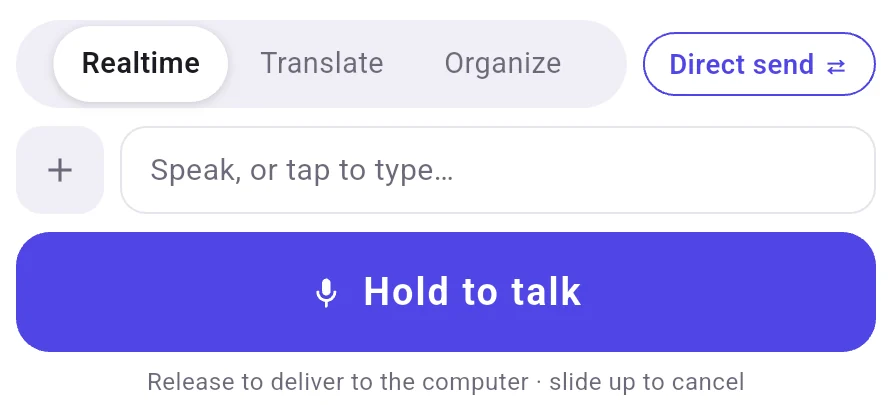
With Direct send chosen, letting go of Hold to talk sends the sentence to the computer.
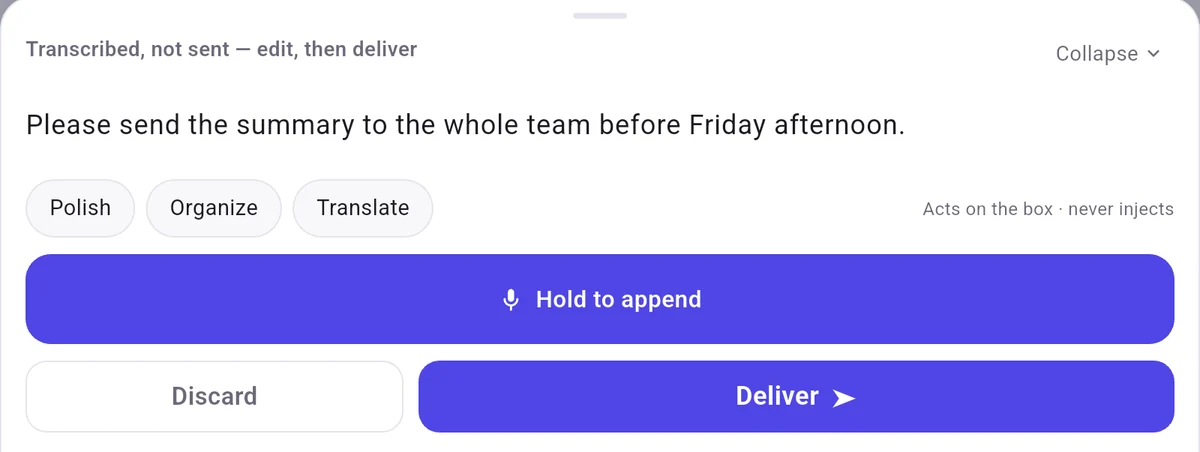
Switching that control to "Manual send" shows a card on your phone with "Deliver" and "Discard". In this setting, your words stay on the phone screen so you can check them first, and tapping "Deliver" sends them to the computer.
With Manual send, the words wait on the phone until you tap Deliver.
When a window runs as administrator and FlowMic does not, a note says nothing was typed.
The phone notes that nothing was typed when the front window runs as administrator.
A few common questions
Does switching modes keep text already in the phone input box?
A mode change empties the input box, so pick your mode before speaking.
What happens if you use Translate or Organize on Local LAN without a language model?
Desktop Settings under "Language model" must have a model configured on that computer, or the app shows "Translate and Organize need a language model on this computer". Speech sent in "Realtime" still arrives without one, marked with the row label "No model set up · raw text".

 FlowMic