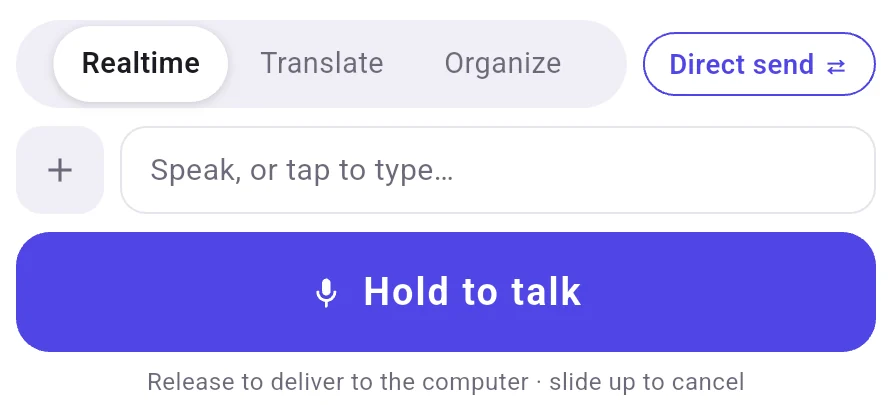
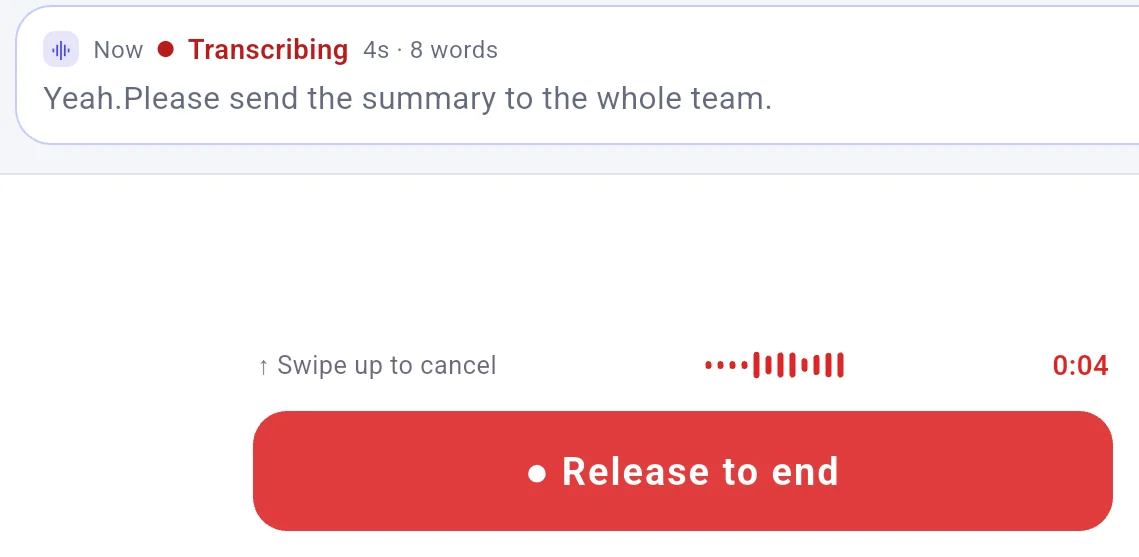
With Direct send chosen, letting go of Hold to talk sends the sentence to the computer.
You hold one button on your phone instead of typing.
The microphone is active only while held down, with no one-tap start on the touch screen and no latch.
Words on the phone show progress, not the final text.
With a screen reader or switch control, starting and stopping are two separate steps.
Two-step screen reader control comes from code only; the computer app has no text size setting.
The sentence landed in Notepad after tapping Deliver on the phone.
A few common questions
Can I review and edit my text on the phone before sending it to the computer?
A small "⇄" control by the input area selects delivery. "Direct send" is the default where release sends the text; "Manual send" shows a card with "Deliver" and "Discard" to review text before sending.
Does Local LAN need a language model set up on the computer for each mode?
On "Local LAN", "Translate", "Organize", and "AI polish" require a language model under computer Settings in "Language model", where the app states "Translate and Organize need a language model on this computer". Without one, "Realtime" arrives marked "No model set up · raw text".

 FlowMic