Dictate to your PC without a desktop microphone Hold your phone near your mouth to dictate directly into your computer without buying or plugging in a desktop microphone.
Download Try it
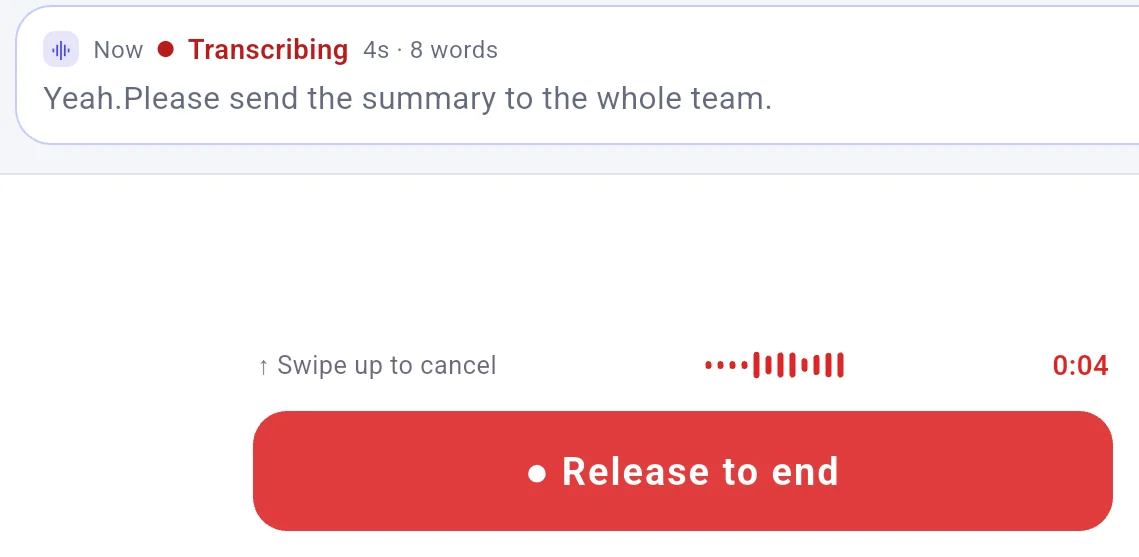
Words on the phone show progress, not the final text. Your phone is the microphone, and it sits right at your mouth.
Nothing to plug in: the PC needs no microphone and FlowMic installs no audio driver.
The app only listens while you hold the button.
The sentence landed in Notepad after tapping Deliver on the phone. What does not work or was not tested There is no noise removal, and recognition in a noisy room or with others talking was not measured. People near you still hear you. One limitation: you must keep holding the button while speaking, and you cannot switch windows from the phone. Words appear on the phone while you speak, but text does not flow word by word into the document; the words land only after you let go. FlowMic operates only inside text boxes. There is no clicking, scrolling, window switching, or text selection by voice. There are no voice commands. There is no hotkey or shortcut on the computer to start recording, as the talk button stays on the phone. The computer must be on, the intended window in front, and your cursor in the box. Computers run Windows, macOS 11 or later on Apple silicon (Accessibility permission needed), or Linux x86-64 on X11 (.deb and portable zip). Phones run Android 7+ or iOS 15+, with the App Store version absent from mainland China and the EU. Our tests used Windows or Linux with an Android tablet; macOS and iOS were not tested. Password fields on Windows are NOT refused. In our test with a password field in Chrome, 2 of 2 sends landed in the field, and the phone marked them "Delivered". Check your cursor position before talking. More limits of this kind On 6 November 2026 we ran 5 spoken takes with "Direct send" using a script holding the button, phone app 0.3.118, desktop 0.3.120, and "Local LAN". With a synthetic voice from a second phone's speaker beside the tablet, in all 5, letting go sent the text with no card and no "Deliver" tap. 3 landed: 2 in LibreOffice Writer on Ubuntu under X11 as raw text with no language model, 1 in Windows Command Prompt translated into Spanish by a language model on that computer. The other 2 were refused with the row "Delivered · no focus, not injected · Resend", because a console menu was open on purpose. That makes it a spot check, not a measurement. "Delivered" means words reached the computer, not that they were typed into a window. A copy made while FlowMic pastes can be lost. In terminal panels in VS Code and Cursor, and in console windows started directly by ssh, python, or wsl, a line break can run a command, so send one line at a time. A console in Mark mode still fails because words are lost while the computer reports text sent and the phone says "Delivered", observed in 3 of 3 tests in PowerShell 5.1 on a test build with the same Windows code. On Linux, GNOME Terminal at a bash prompt took text with nothing running in 5 of 5 tests, while xterm and the VS Code terminal panel get nothing while the phone says "Delivered". Because synthetic voice is a poor substitute for a person, landing was measured while recognition was not, and recognition of a real human voice was not measured in these tests. On Windows, we did not test Word, Outlook, Gmail, Slack, Notion, Google Docs, Overleaf, Teams, Discord, Obsidian, VS Code, or any helpdesk product. Windows 11 was not tested. Cursor position after text lands was not measured. Cloud relay was also not tested during that run because our test computer was not signed in. A few common questions Where do words go when using Cloud relay? Audio goes to Soniox for speech recognition. When using Translate, Organize, or AI polish over Cloud relay, text goes to DeepSeek. Our privacy policy says we found no written commitment from DeepSeek about not training on API data. FlowMic servers keep no transcripts; the relay passes words on, visible in memory while doing so, with no storage.
How do plans work across Local LAN and Cloud relay? Monthly plans in USD are Free at $0 for 20 minutes a month of cloud speech recognition on 2 computers, Pro at $12 a month for 1,000 minutes on 3 computers, and Max at $28 a month for 3,000 minutes on 10 computers. All plans provide the same features and all 3 modes. Minutes spent on Local LAN using your own or built-in engine are not counted against plan minutes.
Download Try it
Tested on FlowMic 0.3.120 on the computer and 0.3.118 on the phone, 6 November 2026.
Some counts come from FlowMic 0.3.119 on 5 November 2026 or noted test builds and were not repeated on 0.3.120.
Everyday scenarios: How people put FlowMic to work Skip copying text from your phone to your PC Dictate to your computer while pacing the room Dictate into your computer by holding a phone button Dictate your thesis with AI polish turned off Dictate into your X11 Linux desktop from your phone Dictate support replies directly from your phone 
 FlowMic