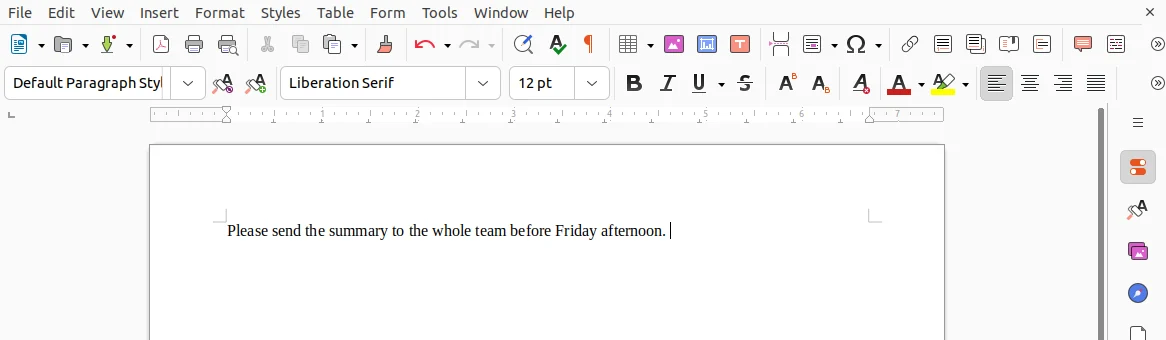
The sentence landed in LibreOffice Writer after tapping Deliver while the phone stayed on a desk.
The talk button is on your phone, so you can dictate from across the room.
We have not tested range, walking, or movement. In our tests, the phones stayed on a desk.
The computer needs no microphone, no virtual microphone, and no audio driver, and the desktop app never asks for microphone permissions.
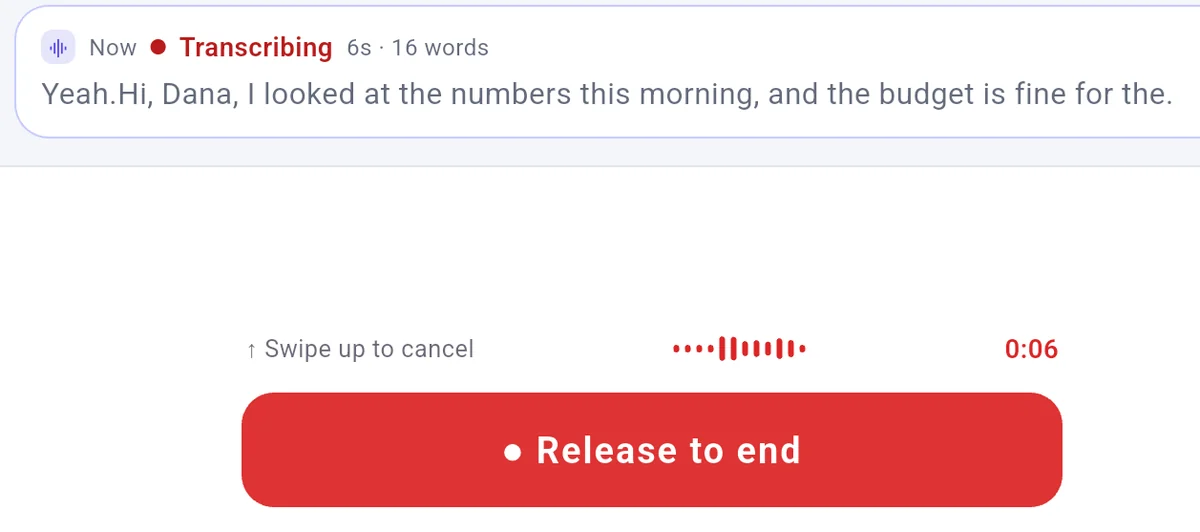
You can check the recognized words on your phone screen while you talk.
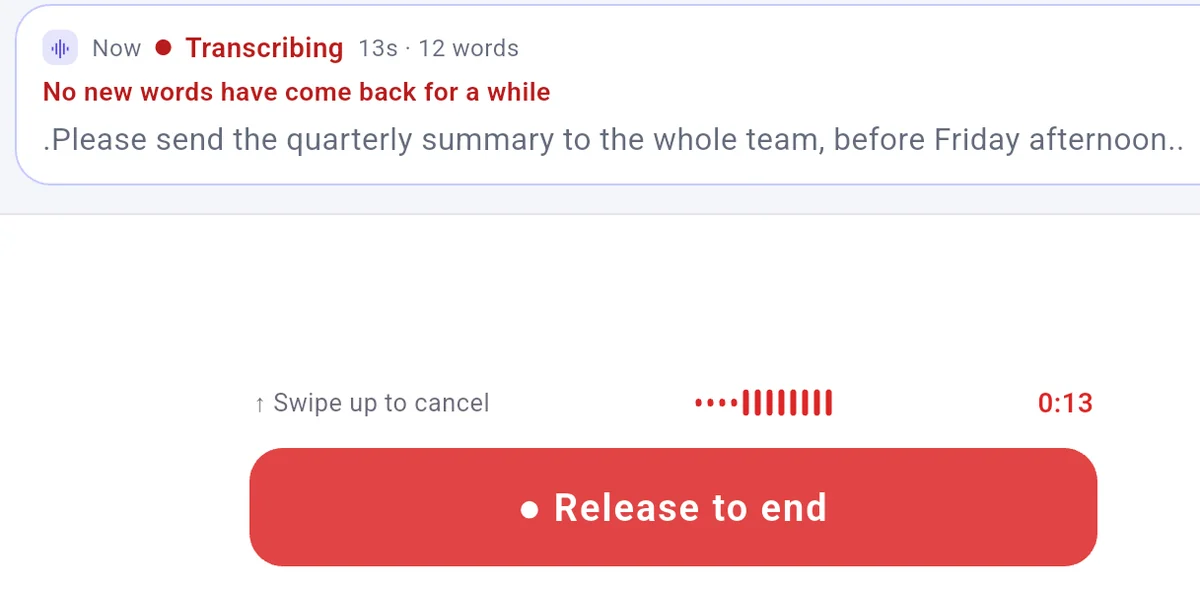
In a live words test on Local LAN in Realtime mode with a 19-second synthetic speech sentence across 3 of 3 runs, words on the phone moved for the first 8 to 9 seconds, then froze while the button stayed held down, showing the message "No new words have come back for a while". After release, the full sentence arrived and landed in Notepad in 3 of 3 runs. The phone view shows progress rather than final text. Cloud relay was not tested here.
The phone view shows progress rather than final text.To show this message, we played steady noise after the sentence. Recognition did not stall on its own.
A few common questions
Does the Delivered status mean the words were typed into your window?
The label "Delivered" means the words reached your computer, not that they were typed into a window. The text goes to whichever window is in front when it lands. Look at that window to see whether it arrived.
Can you recover text if a window did not accept it?
The phone and computer keep separate timelines of your sentences. If text reaches the computer but cannot type, the phone timeline shows "Delivered · not injected · Resend" or "Delivered · no focus, not injected · Resend". From the phone timeline, you can tap "Resend", "Copy", or "Copy original text", while the computer timeline offers "Re-inject".

 FlowMic