
 FlowMic
Reply in Slack by Talking
Replying in Slack by talking means you speak your message instead of typing it, and the words appear in the reply box where your cursor is. FlowMic, an open source (AGPL-3.0) app for your phone and computer, does this: click the message box, hold a button on your phone, say your reply, and let go. The text arrives at the cursor, so you can read it over before you send it.
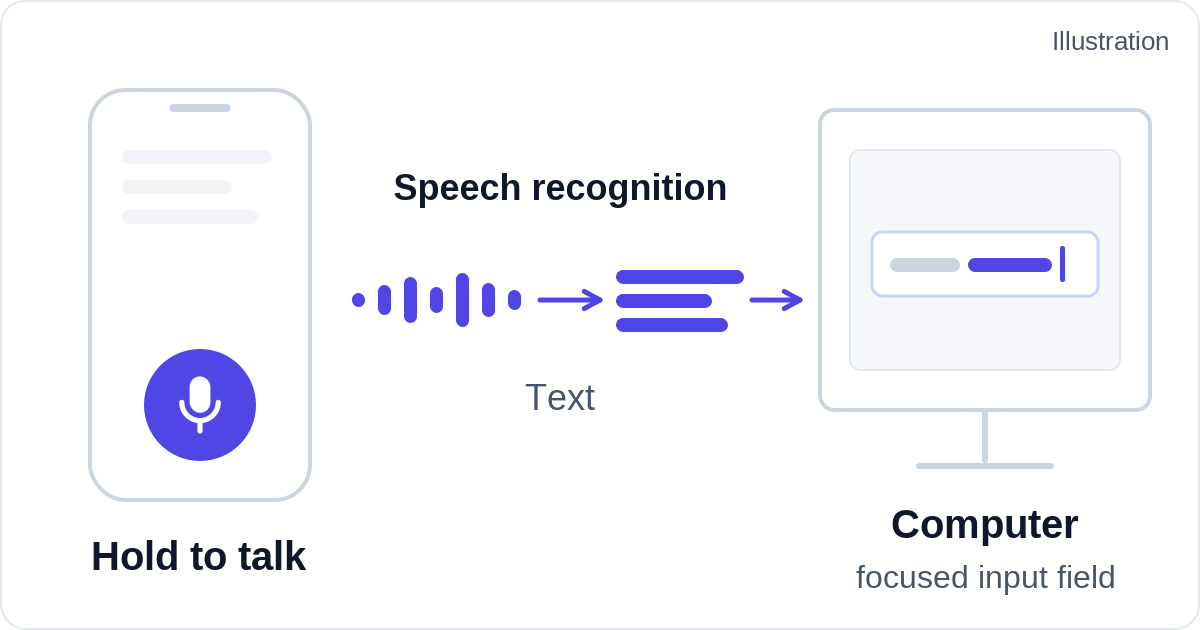
How do you reply in Slack with your voice?
You pair your phone with your computer once, then click the reply box in Slack and hold "Hold to talk" on your phone while you speak. When you let go, the words go to the box at your cursor, ready for you to read. FlowMic puts them there by pasting, and puts your clipboard back afterward.
- Install FlowMic on your computer from the download page, open it, and click "Add phone" on the devices page. The dialog shows "Local LAN" and "Cloud relay" tabs, a QR code, a 4-digit code and "Pairing code expires in".
- Install FlowMic on your phone from the App Store or Google Play, tap "Add device", and point the camera at the code under "Scan", or type the code under "Enter manually".
- On the phone, pick a mode. If you are not sure, start with "Realtime".
- On the computer, click the reply box in Slack so the cursor sits inside it.
- Hold "Hold to talk" and speak. The button reads "Release to end" while you hold it. Let go when you finish.
- Look at the words in the reply box, fix anything you want with the keyboard, then send the message the way you normally do.
Which mode should you use for a chat reply?
For a short reply, "Realtime" stays close to your own wording, in the language you spoke. If you tend to ramble or restart a sentence, "Organize" turns what you said into tidy written text in the same language, with fillers and false starts removed. "Translate" gives you only the translation, in the language you choose under "Translate into". You choose the mode on the phone before you hold the button.
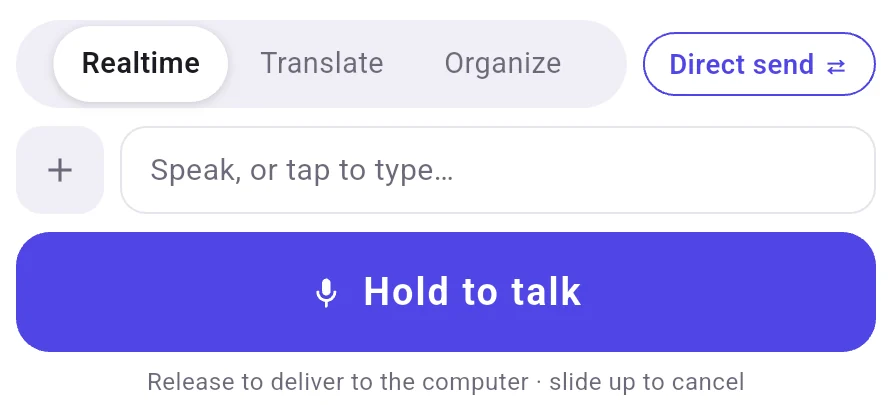
Inside "Realtime" there is also an "AI polish" switch with Strict and Smooth settings. When it is on, a language model lightly edits the finished text; it is a switch, not another mode. All three modes come with every plan. If you write to colleagues in a second language, read speak your language, type English.
How can you check a reply before it reaches your computer?
The default is "Direct send", which sends your words to the computer as soon as you let go of the button. If you want to read the words on your phone first, switch to "Manual send". Your speech then lands in the phone's text box, where you can change it, and the card offers "Deliver" and "Discard". When the words look right, tap "Deliver" to send them to your computer.
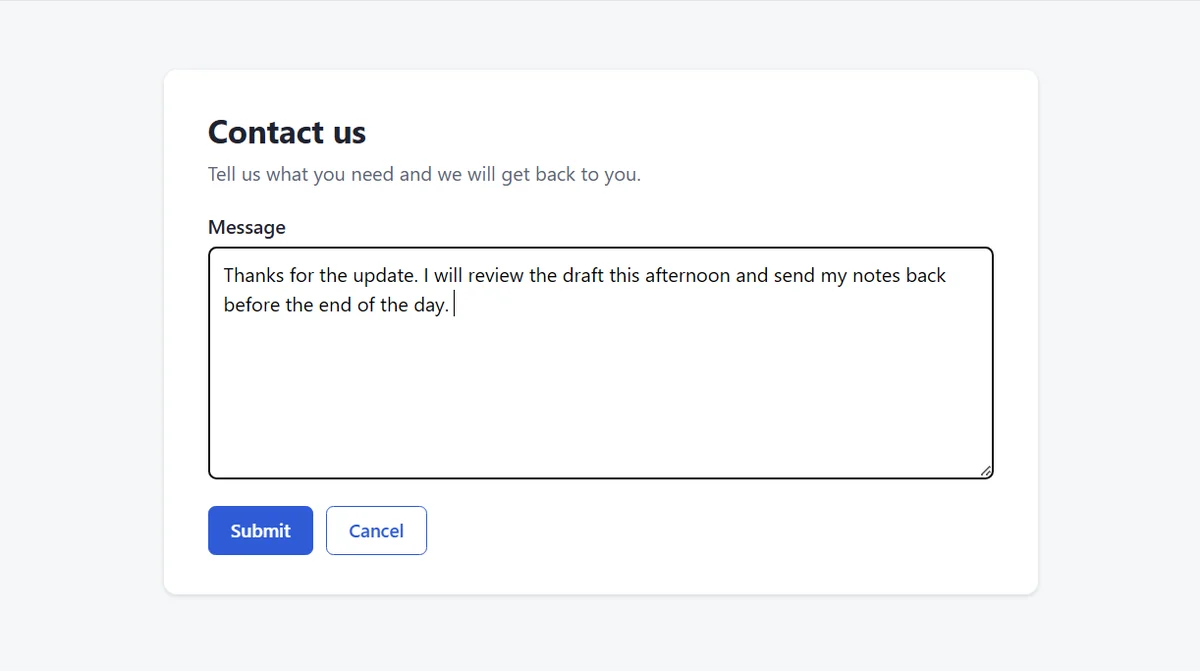
Either way, the words end up at the cursor in the reply box, where you can still edit them with the keyboard. To follow what happened to each sentence after you spoke it, read see what happened to every sentence you dictate.
How does the talk button work on the phone?
The talk button lives on your phone, so there is no key to press on the computer. You press and hold "Hold to talk", speak while the label reads "Release to end", and lift your finger to finish. If you change your mind halfway, slide your finger up until it reads "Release to cancel", then let go and that recording is thrown away.
Every reply follows the same rhythm on the touch screen: hold, talk, let go, read. For more on how holding the button works, see push to talk on your phone. If one of your hands is busy, see reply to messages with one hand.
How do your phone and computer stay connected?
FlowMic connects the two devices in one of two ways. When they are on the same network, the phone connects to the computer directly over "Local LAN". When they are on different networks, they connect through "Cloud relay", which needs you to be signed in on the computer, while pairing the phone needs no sign-in. You pick the tab in the "Add phone" dialog on the computer.
The cloud QR code on the computer can also be scanned with a phone camera to talk from the phone's browser, so a phone without the app can still be used for a reply. FlowMic servers, including the relay, do not store your transcripts. For the full picture, read does FlowMic keep what you say, and see the pricing page for plans.
Common questions
Do I need an account to reply by voice?
When your phone and computer are on the same network, they connect directly. To connect across different networks through Cloud relay, you sign in to FlowMic on the computer; the phone still pairs by scanning the code.
How much does FlowMic cost?
Free is $0 with 20 managed transcription minutes a month and 2 computers. Pro is $12 a month with 1,000 minutes and 3 computers, and Max is $28 a month with 3,000 minutes and 10 computers. All three plans include Realtime, Translate and Organize, are billed monthly in US dollars, and you subscribe on the FlowMic website.
Which computers and phones work with FlowMic?
On the computer, FlowMic runs on Windows 10/11 64-bit, on macOS 11 or later with Apple silicon, and on Linux x86-64 in an X11 session. On the phone, it runs on Android 7.0 or later and on iPhone and iPad with iOS or iPadOS 15 or later.
Does FlowMic keep the replies I dictate?
FlowMic servers, including the relay, do not store your transcripts. The privacy article on the FlowMic website explains where your words go in more detail.